

Contractor Management Software: Documents, Site-Specific Training, And Compliance In One System
Request documents.
Assign site-specific training.
Know who's qualified before they arrive.
Overview
How Does eSafety Contractor Simplify Contractor Management?
eSafety Contractor enables organizations to request and track 3rd-party contractor documentation, assign site-specific safety training, and verify worker qualifications before they arrive on-site—reducing liability and eliminating manual paperwork.
Request and Track Documents
Collect contractor company documents to show proof that licenses, certifications and company training requirements have been met before accessing your site.
Assign Site-Specific Training
Add your own custom training materials so contractors complete site-specific training before arriving on site.
Run Completion Status Reports
Generate reports showing document status and training completion across all contractor companies and workers. Set up host administrator email notifications for updates as things change.
Communicate Effectively
Add multiple administrators, from the EHS manager to the security desk, so your team can quickly verify whether a contractor worker is cleared to enter. Each admin has secure access to the information they need.
eSafety Contractor Features
What Can I Do With eSafety Contractor?
eSafety Contractor brings user-friendly features to the complicated process of coordinating with 3rd-party contractors. Customize the system to fit your company’s unique requirements, and receive specialized support for any questions you might run into.
Multiple admin accessibility makes it easy to coordinate with your in-house team as well as the main contact for each contractor company. Individual logins give secure access to complete user-specific tasks.
User Permission Levels
- Host Company Admin
- Contractor Company Admin
- Contractor User
Communication Options
- Admin summary emails regarding the status of current document requests.
- Training reminders so contractor users know when site-specific training is due.
Add Documents
Add items to be requested such as licenses, certifications, training records, and more.
Include Details
Add template files and instructions per document for clear expectations.
Create Packets
Group items together to request and report as a set.
Link Files to Users
Identify which user a file belongs to for better expiration tracking.
Build Your Own Courses
Create a course to meet the host site-specific training requirements with the eSafety Course Builder, including options to add text, images, video, and audio recording.
Add Custom Files
Upload host site-specific materials to train and track a PDF, PowerPoint Show, SCORM, and more.
Create Test Questions
Add test questions to confirm comprehension.
Customize Course Settings
Control settings to enable the fast-forward option in a course, change the passing test score, and the quantity of test questions.
Ready-Made Templates
Run reports at any time on completion status, user activity, course performance, and more.
Auto Reports
Schedule your favorite reports to be automatically sent to your email. Set this up for you, your team, and the people who need to know.
Download Options
Save and download all reports in PDF or CSV formats. See your data anytime, and in the format that works best for you.
What Does Contractor Management Look Like Day-To-Day?
Organized with eSafety
- Add document requests (insurance, certifications, safety training records)
- Create or upload site-specific training content
- Add contractor companies to the system
- Invite the contractor admin to log in
- Request documents and schedule training to be completed
Prior to Arrival
- Contractor Admin uploads required documents and creates user logins for workers
- Individual workers complete your site-specific training online
At the Door
- Security checks the system to verify worker is cleared
- Green light = qualified and trained
- No paperwork shuffling. No phone calls to confirm status.
Ongoing Management
- Receive alerts when documents are expiring
- Generate audit-ready compliance reports
- All records stored and retrievable in one system
What Kind Of Support Does eSafety Provide?
You get a dedicated support person—not a ticket queue. You may know them as your sales rep, but in the office we call them client champions! Your sales rep knows your name, your account, and your setup. Many clients have worked with the same eSafety team member for over 8 years.
Need help? Call or email your rep directly. No hold times. No explaining your situation to a new person every time.
eSafety assigns a dedicated support person to each client account, beginning with an initial quote and remaining indefinitely, with many client relationships fostered for over 8 years.

Why Do I Need Contractor Management Software?
3rd-party contractors on your site increase liability. They're not covered by your workers' comp. If they're injured or cause damage, your company is exposed.
eSafety Contractor helps you verify that contractor companies and individual workers are qualified before they arrive. No more chasing paperwork. No more hoping they completed your site orientation.
eSafety Contractor is cloud-based software that allows organizations to request, track, and manage contractor documentation and safety training in one system.
Additional Solutions
What Other Solutions Do We Offer?
The eSafety platform delivers scalable safety training solutions for organizations of any size. Built by experts in safety and regulatory compliance, our powerful Learning Management System (LMS), comprehensive training content library, and Contractor Management System (CMS) tools make it easy to meet compliance requirements. With intuitive features designed for efficiency, eSafety helps keep everyone informed, compliant, and safe.
TRAINING
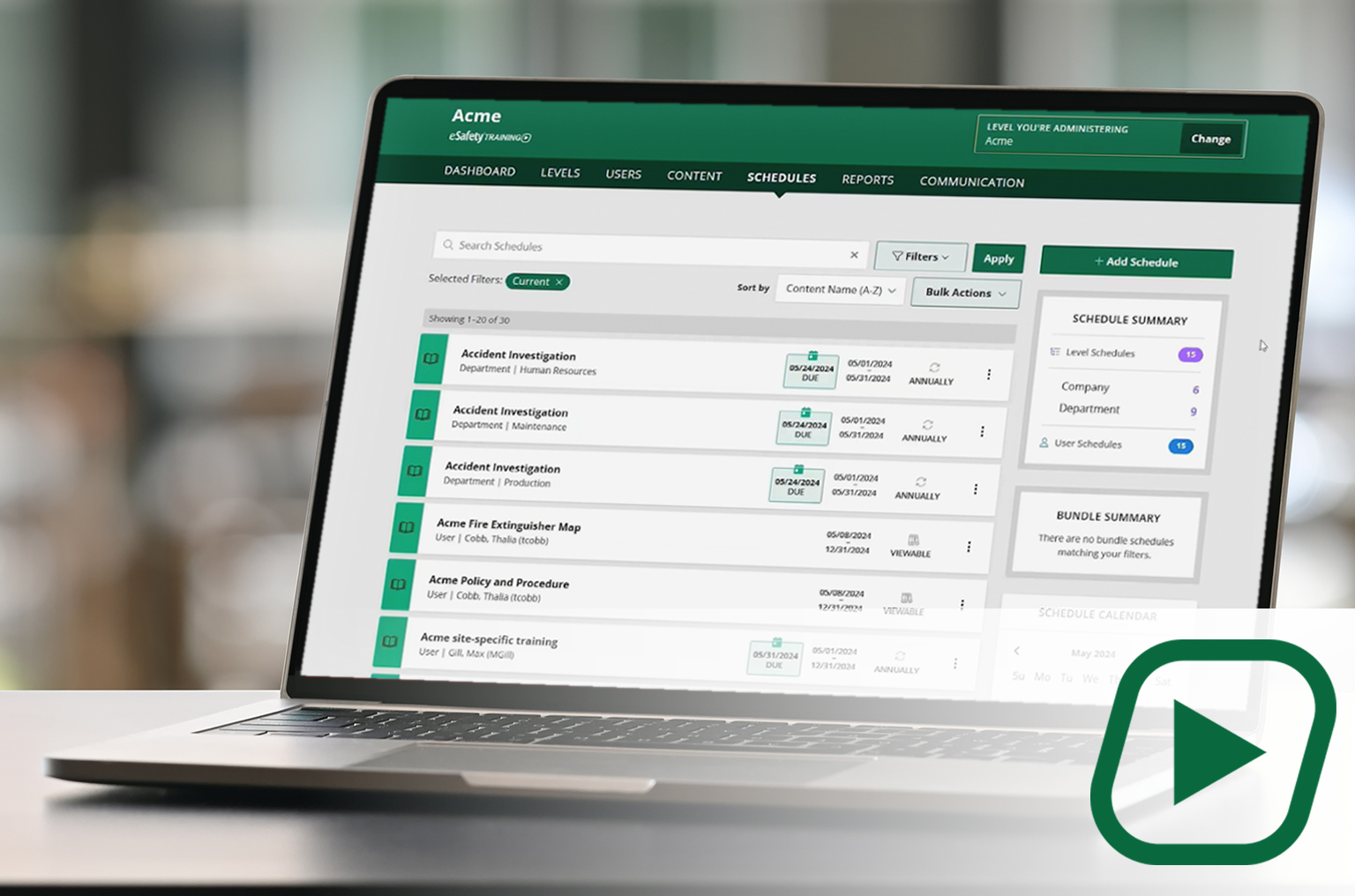
Our cornerstone learning management system (LMS) delivers a full library of compliant training content with intuitive features and capabilities to assign, track, and report on employee training.
✓Full content library
✓Schedule and manage training
✓Generate reports
CONTENT
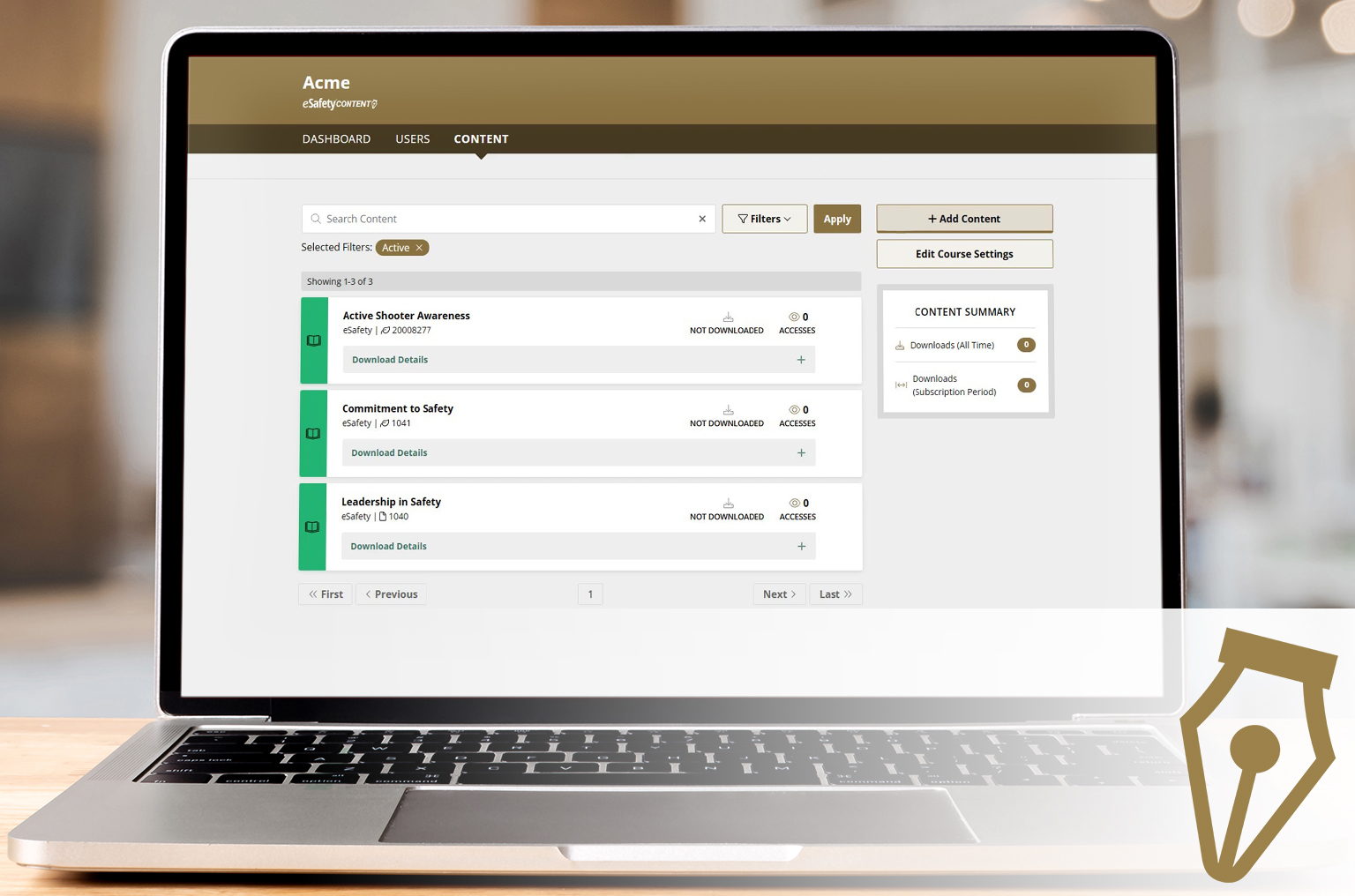
A portal to select and download our content (courses) to be added to another LMS. A client gets a SCORM file to upload into the LMS they use. With an active key, course updates are automatic.
✓Select your course package
✓Download ready-made courses
✓ Receive automatic updates

Here’s What Our Customers Have To Say:
"I am a site EHS manager and track all contractors through eSafety Contractor. This management tool helps ensure they meet our local site requirements, OSHA requirements, and insurance requirements. After reviewing several contractor management platforms, eSafety stood out for its reporting, as well as the ability to track all desired documents and approve or deny each as the contractor submits them. From a cost perspective, my contractors do not have to spend additional costs to use the system. One of the best features is the support. If I need assistance, I can call eSafety directly for help!! I highly recommend using eSafety Contractor, whether you manage five contractors or fifty."
Chris Lintner
Site EHS Manager
News, Updates, Articles And Related Media
Explore our latest training resources, industry insights, and educational content to keep your workplace safe and compliant.
How Loud is “Loud”?
Oct 1, 2024 | Toolbox Talk
HEARING CONSERVATION
What You Need to Know About Safety and Temporary Workers as a Host Employer
CONTRACTOR MANAGEMENT
Oct 17, 2017
Temporary workers account for a large portion of workplace injuries reported every year. OSHA requires employers to afford temp workers the same level of safety training as any other employee.
Additional Resources


CONTRACTOR MANAGEMENT
Nov 13, 2023
Managing Third-Party Contractors Safety Training: Addressing Challenges and Responsibilities
Maintaining a safe working environment is a major concern for organizations across industries. As the landscape of the modern workforce evolves, the integration of third-party contractors has become increasingly common.
eSafety Toolbox Talks
Elevate you safety culture
eSafety Toolbox Talks highlight important information from our courses to keep knowledge fresh in 5 minutes or less. A limited selection of our toolbox talks library can be found here.
Frequently Asked Questions
How easy is it to implement eSafety Contractor?
The basic process: upload your document templates, add your site-specific training content, then invite contractor companies. Most organizations are operational within days. We provide a setup guide and video library along with a dedicated rep when you have questions!
Do contractors have to pay for access?
No. As a Host Company, your subscription cost includes access for the agreed number of contractor companies and users. There is no additional cost from eSafety for your contractors to log in.
Can I see multiple sites under one login?
Yes, set up site-specific requirements for each site while maintaining visibility across all locations from one dashboard.
Why do I need a Contractor Management System (CMS)?
Using a contractor management system (CMS) is the most effective way to streamline management of third-party workers to improve team cohesiveness, reduce corporate liability, and ensure the safety of everyone on site. A CMS is a centralized system to verify licenses, insurance, and certifications to minimize legal risks and ensure safety standards. Site orientation is conducted digitally, allowing contractors to complete training prior to arrival.